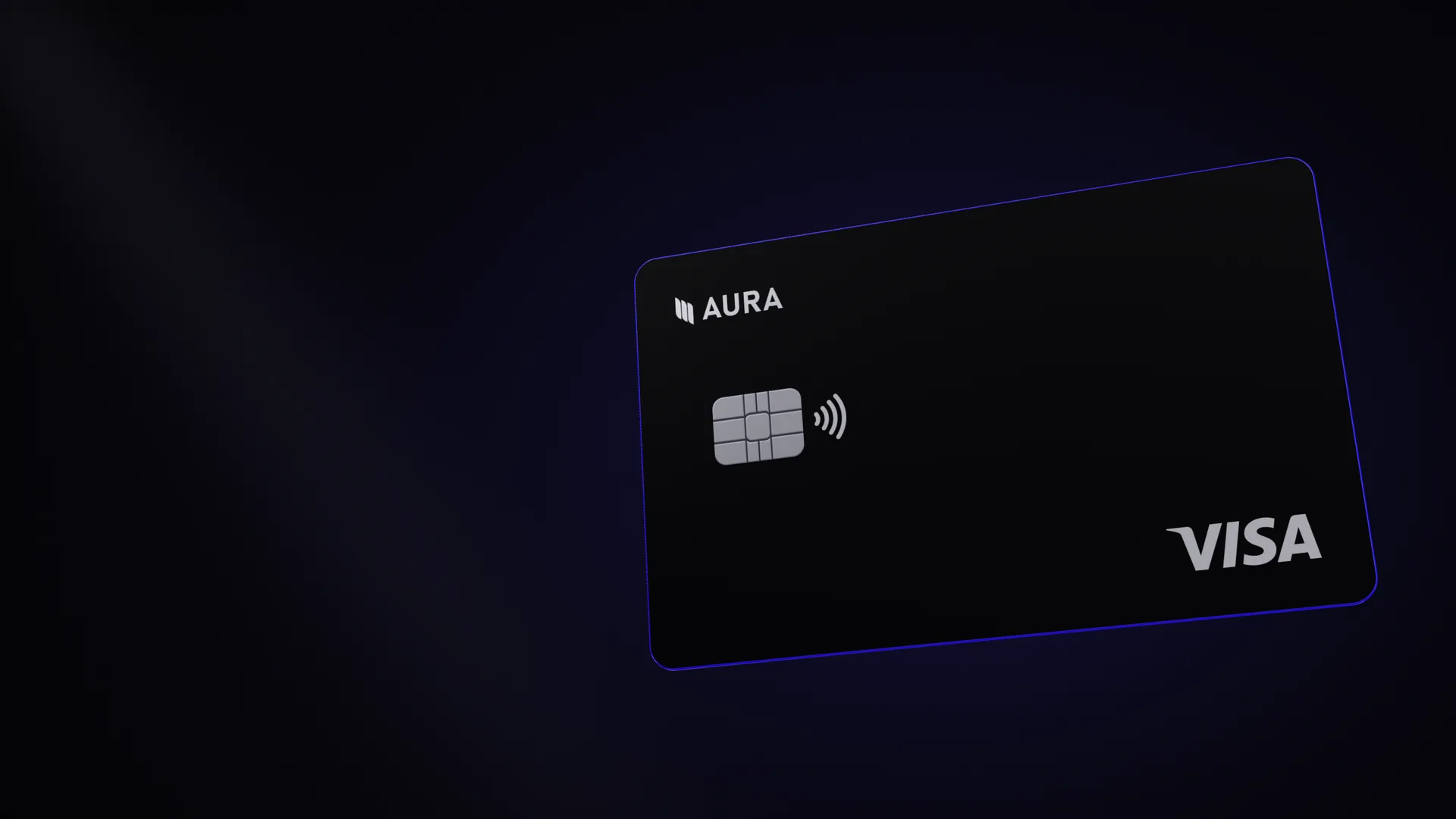
No-KYC cards for your ads
No documents at all. Top up with crypto.
Get a virtual Visa in a minute — no KYC, no documents. Top it up with USDT and pay for Meta, Google and TikTok ads. Open as many cards as you need, one per ad account. 20 USDT per card, 2% per top-up, no monthly fee. Up to 15,000 USDT per payment, no monthly cap.
- 20 USDTper card, once
- 2%per top-up
- $0monthly fee
Works with Meta Ads, Google Ads, TikTok Ads, Microsoft Ads, X Ads, Snapchat, LinkedIn — and almost anything that takes Visa: ChatGPT, Claude, AWS, Notion, Figma.
Business use is allowed, ads included: your own ad accounts and your clients' campaigns. See the terms.
Big volume or switching from another provider?
Send us your monthly spend and current rates — we'll give you a better price.
What it costs
All our fees. Nothing hidden.
| Card issue | 20 USDTonce, per card |
|---|---|
| Card top-up | 2%of the amount |
| Minimum top-up | 10 USDT |
| USDT deposit (TRC-20) | 2 USDTminimum deposit 4 USDT |
| USDT withdrawal | 2 USDTminimum 3 USDT |
| Monthly fee | $0 |
| Fee on card payments | $0ad charges included |
| Limit per transaction | 15,000 USDT |
| Monthly limit | none |
What you'll pay
Our fees only, worked out from the table above.
| Monthly ad spend | Top-up fee |
|---|---|
| $1,000 | 20 USDT |
| $5,000 | 100 USDT |
| $20,000 | 400 USDT |
| Cards | Issue fee, once |
|---|---|
| 5 cards | 100 USDT |
| 10 cards | 200 USDT |
| 50 cards | 1,000 USDT |
No monthly fee on top. A USDT deposit to the wallet costs 2 USDT.
What we ask for
A Telegram account. That's it.
| What we ask for | Needed? |
|---|---|
| Telegram account | Yes |
| Passport | Nono documents at all |
| Selfie | Nono documents at all |
| Any ID | Nono documents at all |
Add the card to your ad account
Same card details everywhere: number, expiry date, CVC.
First, in the bot: Cards → Virtual → Get Card, then top it up in Cards → Add Balance. The card details are in Cards → Card details.
Meta Ads Manager
- Open Ads Manager → Billing & payments → Payment methods → Add payment method.
- Enter the card number, expiry date and CVC. Use your name in Latin letters.
- Meta may make a small test charge named FACEBK *XXXX. The code after the asterisk is in the card's history in the app and in the bot message. Enter it in Meta.
- If a 3DS code is asked for, it shows in the app and in the bot. It's valid for 2 minutes.
Google Ads
- Open Google Ads → Billing → Payment methods → Add payment method.
- Choose a card and enter the number, expiry date and CVC.
- If a 3DS code is asked for, take it from the app or the bot. It's valid for 2 minutes.
TikTok Ads Manager
- Open TikTok Ads Manager → Payment → Add payment method → card.
- Enter the number, expiry date and CVC.
- Confirm with the 3DS code from the app or the bot. It's valid for 2 minutes.
A few tips
Set the ad account currency to USD.
The card is in dollars, so there's no conversion.
Keep a margin on the card.
Platforms charge on their own schedule. If the balance is short, billing fails and ads stop.
Watch the bot.
It messages you on every charge, refund and decline, with the amount and the merchant.
Take back what you don't spend.
Move unused balance from the card back to the wallet and withdraw it in USDT.
What it doesn't pay for
- Buying crypto, foreign currency or money transfers through third-party platforms
- Gambling and betting: casinos, bookmakers, lotteries
- Topping up other e-wallets or prepaid cards
- Brokers and forex
- Adult content and illegal goods
Guides for media buyers
No-KYC virtual card for ads: Meta, Google and TikTok
A no-KYC virtual Visa for paying Meta, Google and TikTok ads with USDT: what to look for, fees worked out for $1k, $5k and $20k a month, limits, how many cards.
Read the guideHow to pay for Google Ads with USDT and a no-KYC virtual card
How to pay for Google Ads with USDT: issue a no-KYC virtual Visa in Telegram, add it in Google Ads billing, pass the card check and keep campaigns running.
Read the guideHow to pay for TikTok Ads with USDT
How to pay for TikTok Ads with USDT: a no-KYC virtual Visa in Telegram, adding it in TikTok Ads Manager, manual and automatic payments, 3DS and tips.
Read the guideOne card per ad account: how to manage billing for several accounts
How to run billing for several ad accounts, your own or your clients': one virtual card per account, a simple naming scheme, budgets and balance margins.
Read the guidePayment declined, account paused or suspended: what's the difference and what to do
Declined payment, paused ads or a suspended ad account: what each means on Meta, Google and TikTok, the payment causes behind them and what to do.
Read the guideHow to pay for Microsoft Ads (Bing) with USDT
How to pay for Microsoft Advertising (Bing Ads) with USDT: fund a no-KYC virtual Visa in Telegram, add it in billing, keep a balance margin.
Read the guideHow to pay for X (Twitter) Ads with USDT
How to pay for X Ads (formerly Twitter Ads) with USDT: fund a no-KYC virtual Visa in Telegram, add it as a payment method, keep a margin for charges.
Read the guideHow to pay for Snapchat Ads and LinkedIn Ads with USDT
How to pay for Snapchat Ads and LinkedIn Ads with USDT: fund a no-KYC virtual Visa in Telegram, add it in each platform's billing, keep a margin.
Read the guideVirtual cards for media buying: what actually matters
Checklist for a media buying card: USD, BIN acceptance, 3DS, top-up speed and fee, limits, number of cards, declines, KYC, business use and support.
Read the guideKeep your SaaS and cloud subscriptions from failing: a renewal routine
A renewal routine for SaaS and cloud bills: track billing dates, one card per tool or team, keep a margin, handle 3DS and cancel cleanly.
Read the guide
Questions
Didn't find an answer? Message us.
Can I use the cards for business and affiliate ads?
Yes. You can pay for ads for your own business, affiliate campaigns included. See the terms.
How many cards can I open?
As many as you need. Many buyers keep one card per ad account. Each card is 20 USDT, once.
Which countries does it work in?
Almost everywhere: the card works in 179 countries. See the list.
What are the limits?
Up to 15,000 USDT per transaction and no monthly limit.
Do you have volume discounts?
Yes. The more you top up, the lower your rate. Message us with your monthly spend.
Do you have a plan for agencies and businesses?
Yes, Aura Business: cards for your team or clients via API, top-ups in USDT, one dashboard. Aura Business, or write to @aura_BD.
What can't I pay for with the card?
- Buying crypto, foreign currency or money transfers through third-party platforms
- Gambling and betting: casinos, bookmakers, lotteries
- Topping up other e-wallets or prepaid cards
- Brokers and forex
- Adult content and illegal goods
Full list: help center.
Can I withdraw money I didn't spend?
Yes. Move the balance from the card back to the wallet and withdraw it in USDT. Withdrawal is 2 USDT, minimum 3 USDT.
Does recurring Meta billing work?
Yes. Meta charges the card on its own, at your billing threshold or once a month. Keep enough on the card.
What documents do you need?
None. No passport, no selfie, no ID. Just a Telegram account.
I'm with another provider — can you beat their price?
Yes. Send us your current rates and we'll offer better ones. Message support.
How do I top up the card?
Send USDT (TRC-20) to your wallet address in the app, then move it to the card. Deposit 2 USDT, top-up 2%, minimum top-up 10 USDT.
Where do I find Meta's FACEBK code?
In the card's history in the app and in the bot message about the charge. It's the part after the asterisk: FACEBK *XXXX.
For agencies and platforms
Aura Business: issue cards for your team or clients via API, top up in USDT, run it all from one dashboard.
Big volume or switching from another provider?
Send us your monthly spend and current rates — we'll give you a better price.
Get your first card in a minute
Open the bot, get a card, top it up with USDT. No documents.